













Wild Dice Casino Australia — Player Area and Login 24/7
Quick Login to Wild Dice
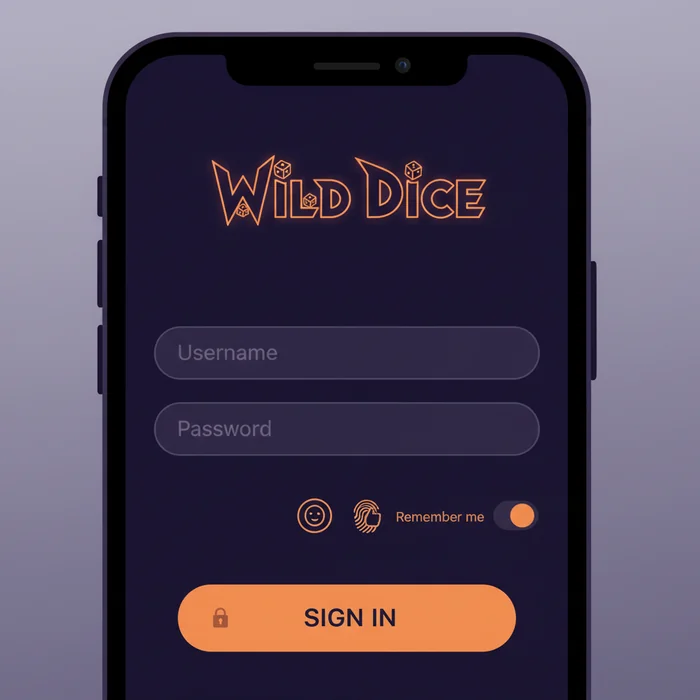
Wild Dice Casino provides a secure login process with password recovery and two-factor authentication for players.
Once your Wild Dice login is complete, the entire platform opens up to you: your real-time balance, active bonuses, full transaction history, and of course access to our game library. We've designed every step so you spend less time navigating menus and more time enjoying what truly matters.
How to Log In to Wild Dice: Step by Step
Behind the scenes, our technical team has built an authentication process that strikes the right balance between ease of use and robust security. Here's how it works in practice.
Step 1: Go to Wild Dice
Navigate directly to casinowilddice1.com in your preferred browser. Make sure the URL in your address bar starts with https:// — this prefix confirms that your connection is encrypted using the 256-bit SSL protocol we apply across the entire site. The login button is clearly visible in the top right corner of the homepage.
Step 2: Enter Your Credentials
On the login page, enter the email address linked to your account along with your Wild Dice password. Both fields are case-sensitive — make sure Caps Lock is turned off if you're getting an error. We never store your password in plain text: it is hashed server-side using current cryptographic standards.
Step 3: Two-Factor Authentication
If you've enabled two-factor authentication — which we strongly recommend — you'll receive a one-time code via SMS or through an authenticator app such as Google Authenticator. This code expires after 30 seconds, making it useless to anyone who might try to intercept it. It's one of the most effective security measures you can put in place.
Step 4: Access Your Personal Dashboard
Once authenticated, you'll land directly on your personal dashboard. There you'll find your available balance, active bonuses, recent deposits and withdrawals, as well as the responsible gambling tools we make available to you. Your session remains active for the duration you've configured, with automatic logout after a period of inactivity to keep your account protected.
Login Methods Available on the Platform
We've developed several access options to suit every player's habits. Here's an overview of the available methods, their current availability, and the associated security level.
| Login Method | Availability | Security Level |
|---|---|---|
| Email + Password | Available on all devices | Standard — enhanced with 2FA |
| Google Login | Desktop and mobile browsers | High — OAuth 2.0 delegated authentication |
| Wild Dice Mobile App | Android (APK available) | High — dedicated encrypted session |
| Biometrics (Fingerprint / Face ID) | Via the mobile app | Very high — local biometric data |
| One-click Login (remembered session) | Personal devices only | Moderate — avoid on shared devices |
Wild Dice on Mobile: Simplified Login
The majority of our players log in from their phones — and we've fully planned for that. The site is entirely mobile-optimized through your browser: Safari, Chrome, and Firefox all work perfectly with no installation required. The interface adjusts automatically, buttons are sized for touch use, and the login page loads quickly even on a standard 4G connection.
For an even smoother experience, our Wild Dice app takes things a step further. Once installed, you can enable biometric login — fingerprint or facial recognition depending on your device — to access your account in under a second. Your biometric data never leaves your phone: it's processed locally by your operating system, ensuring complete privacy.
The "Remember me" option is available on both mobile and desktop. Only use it on your personal device — never on a shared or borrowed phone. If your device is lost or stolen, contact our support team immediately to suspend access to your Wild Dice account.
Troubleshooting Login Issues
Even with the best system, issues can arise. Our support team has identified the most common situations and we're here to help you resolve them quickly and without stress.
Forgotten Wild Dice Password
This is the most common situation — and the fix is straightforward. Here are the steps to follow:
- Click the "Forgot password" link located below the login form on the access page.
- Enter the email address linked to your Wild Dice account. You'll receive a reset email within minutes — check your spam folder if you don't see it in your main inbox.
- Click the link in that email. For security reasons, the link is valid for 24 hours and can only be used once.
- Choose a new password that meets our strength requirements: at least 8 characters, one uppercase letter, one number, and one special character. Avoid birthdays or common words.
Locked or Suspended Account
An account may be temporarily locked after several consecutive failed login attempts — this is an automatic protection measure against intrusion attempts. If this happens, wait a few minutes before trying again, or contact our support team directly via live chat, available 24/7.
A suspension may also occur as part of our KYC (identity verification) process, if documents are required to confirm your identity in accordance with our license requirements. We understand this can feel inconvenient, but it's a safeguard for both you and us: it protects your account from fraudulent use. Our team processes verification cases promptly and guides you through every step.
Browser-Related Issues
If the login page doesn't load correctly or you encounter unexpected errors, your browser's cache and cookies are often the cause. Clear them from your browser settings (usually found under "History" or "Privacy"), then reload the page. We officially support recent versions of Chrome, Firefox, Safari, and Edge — using an up-to-date version is recommended for optimal compatibility.
Browser extensions, particularly ad blockers or certain password managers, can sometimes interfere with the login form. Try disabling them temporarily if the issue persists. As a last resort, our technical support team is available at any time to assist you remotely.
Protecting Your Wild Dice Account
The security of your account relies on a partnership between our systems and your online habits. We've deployed a solid infrastructure — 256-bit SSL encryption, RNG certification by independent auditors, compliance with our license obligations — but certain precautions on the player's side make all the difference.
Good Day-to-Day Practices
A strong password is your first line of defense. Use a unique combination that you don't use on any other site — a password manager like Bitwarden or 1Password can help you generate and store one. Change your Wild Dice password regularly, and immediately if you suspect your email account has been compromised.
Always log out after each session on a shared or public device. A simple oversight can be enough to expose your account. Our automatic logout system exists to limit this risk, but it doesn't replace a deliberate manual logout.
Built-In Responsible Gambling Tools
Beyond technical security, we've integrated responsible gambling tools directly accessible from your account: customizable deposit limits, reality check timers, and temporary or permanent self-exclusion options. These features are available at any time from your profile settings, with no waiting period.
If you wish to temporarily self-exclude, the request is processed immediately. For permanent exclusion, our team will guide you through the process and can refer you to recognized support organizations. Transparency on these matters is a core commitment of ours as a licensed platform.
Ready to Join the Platform
Logging into your account is simple, fast, and secure — you now have everything you need to do so with confidence. Whether you prefer the classic email login, biometric authentication through our app, or two-factor authentication for maximum protection, every option has been designed with you in mind.
Access your account directly via the login page and find everything waiting for you: your favorite games, your available bonuses, and a gaming environment we've built on solid, transparent foundations. Don't have an account yet? Create your Wild Dice account in just a few minutes and discover what the platform has to offer — we'd love to welcome you to the Wild Dice Casino experience.